
What Is Web Application Development?
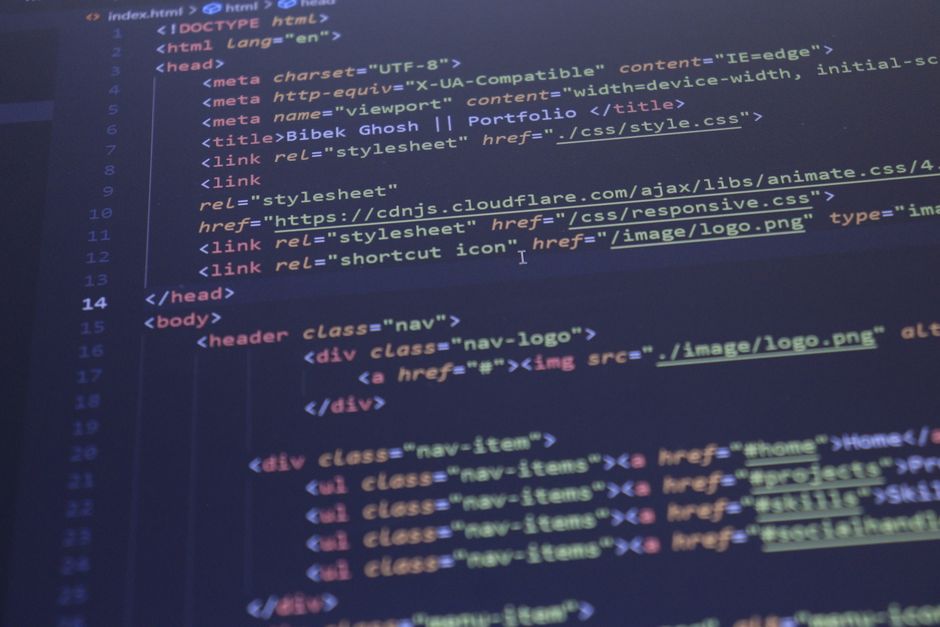
Web application development is the work of building browser-based software that responds to user actions, processes information on a server, and often stores or retrieves data from a database. The frontend is the interface; the backend and APIs handle requests and rules; the database stores information. A beginner can learn these pieces by building one small, useful app and deploying it with security and testing in mind.
What is web application development, and how is it different from building a website?
Web application development creates software people use through a browser, while a website may primarily present information for visitors to read. The distinction is about behavior, not a strict technical boundary: a site can include interactive application features, and an app still needs pages and an interface.
In a web app, actions such as submitting a form or searching trigger requests. As MDN's client-server overview explains, browsers communicate with web servers using HTTP. The server processes a request and returns a response, with status codes such as 200 OK, 404 Not Found, or 403 Forbidden communicating the result.
A useful beginner model is to separate what the person sees from what the application does behind the scenes. A static information page can often be delivered as prepared files; an app may need to interpret a request, apply rules, retrieve current data, and return a result tailored to that user or action.
How do the frontend, backend, database, and API work together in a web app?
The frontend collects user input and presents results, the backend processes requests, the database stores or supplies information, and an API defines how software components exchange those requests and results. Together, they make a browser action produce a meaningful application response.
Consider a small reading-list app. A user enters a book title and selects “Save.” The frontend, typically built with HTML, CSS, and JavaScript, sends the title in an HTTP request to an API endpoint. MDN describes GET as a method for retrieving resources and POST as a method commonly used to create them; saving an item is therefore a natural example of a POST request.
The backend receives the request, checks whether it is valid and whether the user is allowed to add the item, then writes the record to a database. When the app loads the list, the browser requests the saved items; the backend retrieves them and returns data, which the frontend displays. MDN notes that server-side code can use a requested product ID to retrieve database data and construct a response—the same pattern applies to a reading-list entry.
These responsibilities can be combined in one technology or split across several. MDN's web standards model identifies HTML, CSS, and JavaScript as browser-side technologies, and gives ASP.NET (C#), Django (Python), Laravel (PHP), and Next.js (JavaScript) as examples of backend technologies. An API is the contract between parts: it defines the request shape and what response to expect.
What programming languages and tools should I use to build my first web application?
Choose a stack by matching the project to your current skills and the features it actually needs, rather than selecting tools because they are fashionable. For a first app, learning the browser fundamentals before adding a framework makes it easier to understand which tool solves which problem.
MDN's learning path starts beginners with setup and core concepts, then covers HTML, CSS, JavaScript, accessibility, design fundamentals, and version control. Its extension materials include web APIs, performance, security and privacy, testing, frameworks, and other tooling. This sequence is practical: first make a page understandable and usable, then add interaction, then introduce server-side processing or a framework when the project needs it.
| Project need | Starting direction | Trade-off to consider |
|---|---|---|
| Interactive tool that can work in the browser without saving shared data | HTML, CSS, and JavaScript | Simple to begin, but browser-only data may not be shared or persist as expected. |
| Information that must persist or be shared across sessions | Add a backend, an API, and a database | More moving parts to configure and secure. |
| Learning a particular server ecosystem | Pick one backend path, such as Django, Laravel, ASP.NET, or Next.js | Each has its own conventions; choose one and complete a small project before switching. |
For project selection, begin with a repeated task you can describe in one sentence: save reading items, track household maintenance, or organize a personal workout log. Then ask what the first useful version needs: one screen or several, saved information or none, multiple users or one. Keep the first release to one central workflow. If it needs shared accounts and persistent records, plan for server-side validation and authorization from the start; if not, a smaller browser-focused project can teach interface fundamentals without unnecessary infrastructure.
Developers aiming to understand how browser and server responsibilities fit into a broader role can also read What Does a Full Stack Web Developer Do?.
What are the steps to take a web application from an idea to deployment?
Taking an app from idea to deployment means defining one user task, building and checking its interface, adding only the needed data and server behavior, then preparing and testing the production version. Deployment is not merely uploading files: configuration, access controls, and validation affect whether the live app behaves safely.
- Define the first useful outcome. Write down who the app is for, what action it supports, and what counts as a successful result. Keep the initial scope narrow enough to test from beginning to end.
- Sketch the data and flow. Identify what the user enters, what must be saved, and what the app returns. Decide whether the project needs a backend and database or whether browser-side behavior is sufficient.
- Build the interface and request path. Create the screens, connect user actions to API requests where needed, and handle success and error responses. Test the ordinary path as well as missing or malformed input.
- Validate and control access. OWASP recommends checking both input syntax (type and format) and semantics (whether the value makes sense for the operation). Validation must happen on the server because client-side checks can be bypassed; it also does not replace parameterized database queries, output encoding, or authorization checks.
- Prepare the production environment. Use environment configuration for secrets and connection strings rather than placing them in browser code, source files, or build artifacts. OWASP's Secure by Default guidance also recommends least privilege, separating development from production, and removing test code or unintended features before release.
- Test the deployed app. Verify the live URL, the main workflow, sign-in and permissions if present, and error behavior. OWASP's input guidance specifically calls for testing invalid, missing, out-of-range, and oversized inputs; repeat those checks against the deployed version, where configuration may differ.
This checklist is useful even for a small personal project. A successful deployment is evidence that the application works in its real environment, not just that it ran on a developer's machine.
Career questions also benefit from separating job duties from assumptions about credentials. The U.S. Bureau of Labor Statistics says web developers create and maintain websites, including technical concerns such as performance and capacity; education requirements range from a high school diploma to a bachelor's degree. It reports a May 2025 median annual wage of $92,650 for web developers and projects 5% employment growth from 2025 to 2035, with about 13,600 openings per year on average. These figures describe the U.S. occupation, not a guarantee for an individual role or location.
Frequently Asked Questions
Is web development hard to learn, and what should a beginner learn first?
It takes practice because web development combines several skills, but you can learn them in stages. MDN's beginner curriculum starts with setup and essential concepts, then covers HTML, CSS, JavaScript, accessibility, design fundamentals, and version control. Build a small interface before adding server and database work.
Is a web developer considered an IT job, and what does the day-to-day work involve?
Web development is a technology occupation, though the exact job title and duties vary by role and employer. The Bureau of Labor Statistics describes web developers as creating and maintaining websites, including technical concerns such as performance and capacity. Work can also involve testing functions and navigation, particularly in roles that overlap with interface design.
Is web development stressful, especially when working to deadlines?
Stress depends on the role, team, workload, and deadlines; the available sources do not quantify how stressful web development is. The work can include maintaining software and addressing performance or capacity concerns, so clear requirements, incremental testing, and realistic deployment plans help make the work more manageable.
Will AI replace web developers, or mainly change how they build applications?
The available survey data describes tool use and developers' views, but it does not establish whether AI will replace jobs. Stack Overflow's 2025 survey found that 84% of respondents used or planned to use AI tools, while 46% distrusted their accuracy and 66% cited nearly-right solutions as a frustration. Developers still need to verify output, debug it, and take responsibility for application behavior.
Sources
- MDN Web Docs — Client-server overview
- MDN Web Docs — The web standards model
- MDN Web Docs — Learn web development
- U.S. Bureau of Labor Statistics — Web Developers and Digital Designers
- OWASP Cheat Sheet Series — Input Validation
- OWASP Developer Guide — Secure by Default
- Stack Overflow — 2025 Developer Survey: AI
You may also like

How can I start freelance web development?
Choose one service, prove your skills with labeled samples, find prospects, and agree on scope and payment before starting.
Choose a Website Development Company with Confidence
Compare live portfolio work, scope, total costs, ownership, and support to choose a website development company with confidence.

Can You Succeed as a Freelance Web Developer?
A freelance web developer can start without a degree by proving skills, defining a service, finding clients, and protecting project scope and payment.

Choose Installment Payment Software That Protects Your Cash Flow
Choose installment payment software that tracks balances, partial payments, reminders, and recurring-payment records without unnecessary complexity.